The Challenge of the Irregular Paycheck
Unlike a traditional 9-to-5 job where a steady paycheck lands in your account every two weeks, freelancing is beautifully chaotic. You might receive a large project deposit on a Tuesday, an affiliate payout on Friday, and a final invoice payment three weeks late. Managing these multiple income streams requires more than just a standard bank statement—it requires a dedicated ledger.
DevinBook is perfectly suited to handle the dynamic financial life of a freelancer. Here is how you can set up your ledger to track every client, project, and side hustle.
1. Create Custom Income Categories for Clients
Stop lumping all your earnings into one generic "Income" bucket. DevinBook allows you to create custom categories. Set up a category for each major client (e.g., "Client: TechCorp") and for different platforms (e.g., "Upwork," "Fiverr," "Consulting"). At the end of the month, the Category Distribution Pie Chart will instantly show you which clients or platforms are driving the most revenue, helping you decide where to focus your marketing efforts.
2. Tracking Project-Specific Expenses
Did you buy a new software license for a specific video editing gig? Or perhaps you traveled to meet a consulting client? Tracking these expenses accurately is critical for calculating your true profit margin on a project. Use DevinBook’s categorization features to link expenses directly to the project they belong to.
Future-Proofing Your Tax Season
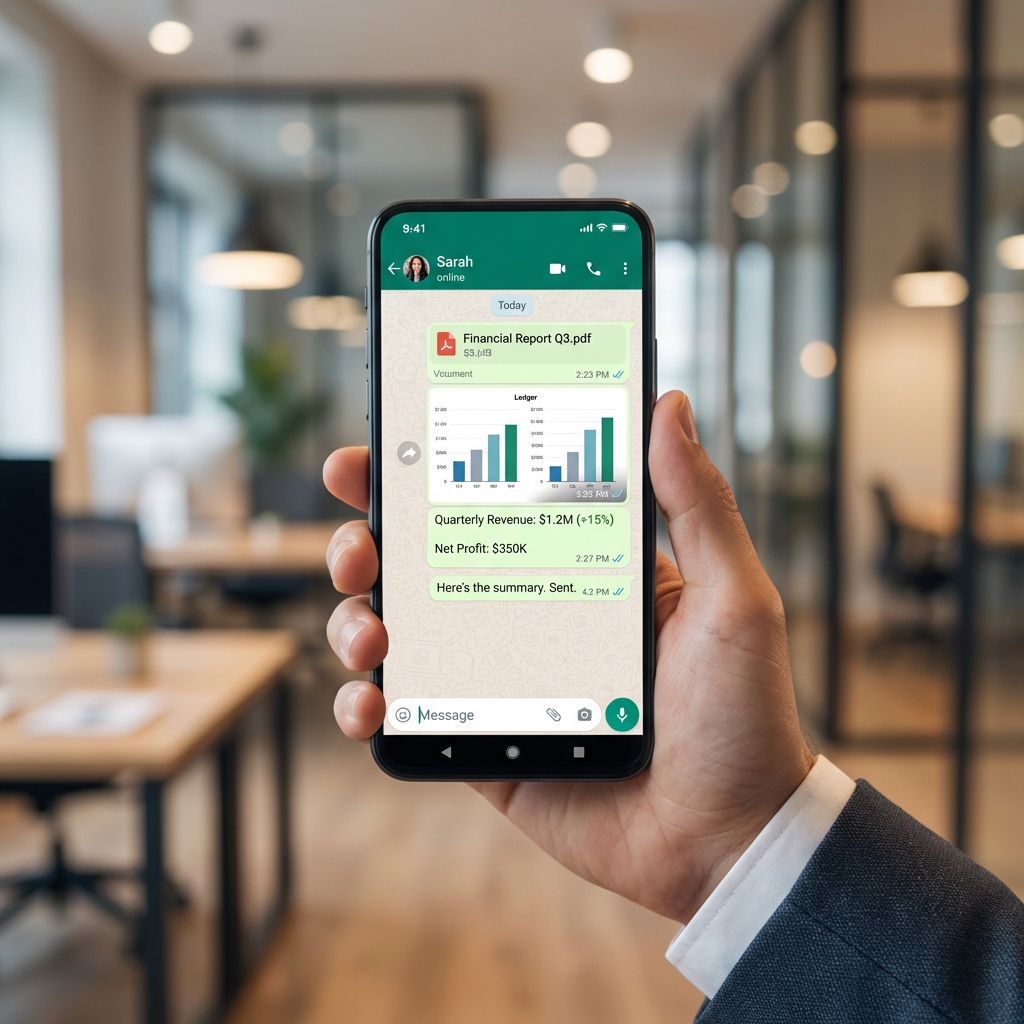
When you are your own boss, you are also your own accountant. Come tax season, having a year’s worth of meticulously categorized income and expense data is a lifesaver. Instead of digging through hundreds of PayPal emails and bank statements, simply open DevinBook and generate a complete report. You can even use our One-Click WhatsApp Share to send specific ledger summaries directly to your CPA.
Embrace the freedom of freelancing without the financial stress. Organize your income streams in DevinBook today and take control of your business.